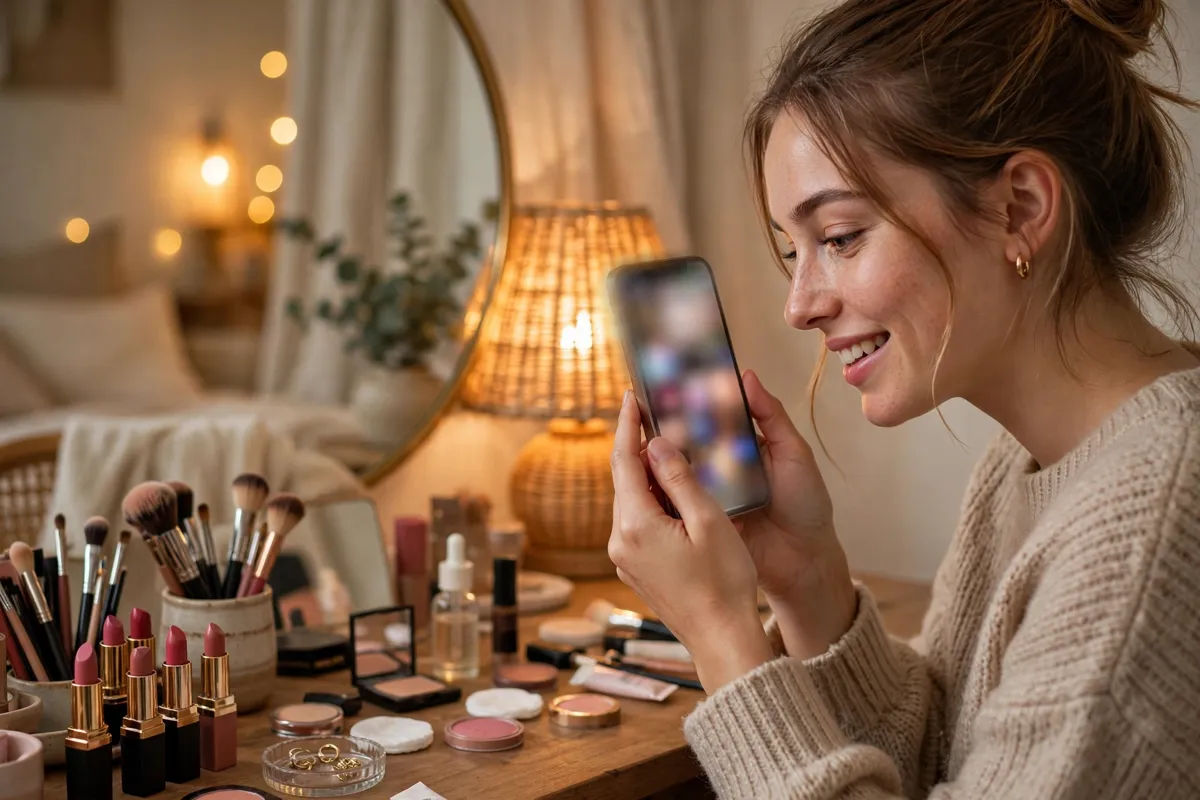
Choosing a new lipstick or foundation shade from a screen can feel like guesswork. A virtual beauty try on removes much of that guesswork: you point your phone camera at your face, and augmented reality overlays makeup shades on your live image in real time, so you can see how a colour looks as you move, smile and turn your head. Instead of imagining a shade from a small swatch, you can compare several options in minutes, at home, before you spend anything. This guide explains how the technology works, where you can use it, how accurate it is, and how to get results you can trust.
Virtual try-on is now part of a wider digital beauty experience that includes shade finders, online quizzes and camera-based tools in apps and on retail websites. It sits within augmented reality beauty more broadly, where digital content is layered over the real world through a camera. For UK shoppers, it has become a practical way to explore virtual cosmetics before visiting a shop or ordering online, particularly when buying a shade you have never worn before.
How Virtual Beauty Try On Works
When you open a virtual makeup try on tool, the first thing it usually asks for is camera access. The software then looks for a face in the image and identifies key points, such as the outline of your lips, the shape of your eyes and the contours of your cheeks. This process, often called face tracking or facial landmark mapping, creates a kind of digital mask that moves with you. Once the mask is in place, the tool can apply colour to exactly the right area, so lipstick stays on your lips rather than drifting across your chin when you turn your head.
Face Tracking, Shade Rendering and Lighting
Applying the colour convincingly is the harder part. Good beauty AR technology does more than paint a flat block of colour over your lips or cheeks. It adjusts the shade for the light in your room, adds shine or a matte finish where you would expect it, and lets your natural features show through, so the result looks like makeup rather than a sticker. If the light changes, perhaps because you move closer to a window, the rendering should change with it. This is why the same shade can look slightly different on your phone screen, on a laptop and in the mirror after you have applied the real product.
Artificial intelligence supports much of this process. An AI makeup try on feature may use machine learning models trained on many different faces to find facial features more reliably across different skin tones, face shapes and lighting conditions. Similar camera-based analysis is changing other everyday services too: our explainer on AI-powered auto services and our guide to how AI is transforming digital vehicle checks show how the same broad idea, software that understands what a camera sees, is being applied well beyond beauty. In a beauty setting, that understanding is what keeps a virtual blusher on your cheeks and a virtual eyeliner along your lash line.
What You Can Try On Virtually
The most familiar option is a virtual lipstick try on, because lip colour is easy to see on screen and simple to switch. With a few taps you can move from an everyday nude to a deep red and judge the effect straight away. Foundation and concealer tools work differently: instead of a bold colour change, they aim to even out your on-screen skin tone and help you compare shade ranges. Some tools ask you to answer questions about your skin or to compare the result with shades you already own, which can be a useful starting point before you order a sample or visit a counter.
Eye makeup is another common category. Virtual eyeshadow, eyeliner and mascara tools let you test stronger looks, perhaps for an evening out, without committing to a purchase or practising on your own eyelids. Hair colour previews use the same face and hair tracking to show how a different shade might frame your face, although the effect is usually a guide rather than a promise, because real dye results depend on your current colour and hair condition. Brow products, blusher and highlighter appear in some tools as well, often as part of a complete look you can adjust product by product.
Where You Can Use Virtual Try-On Tools
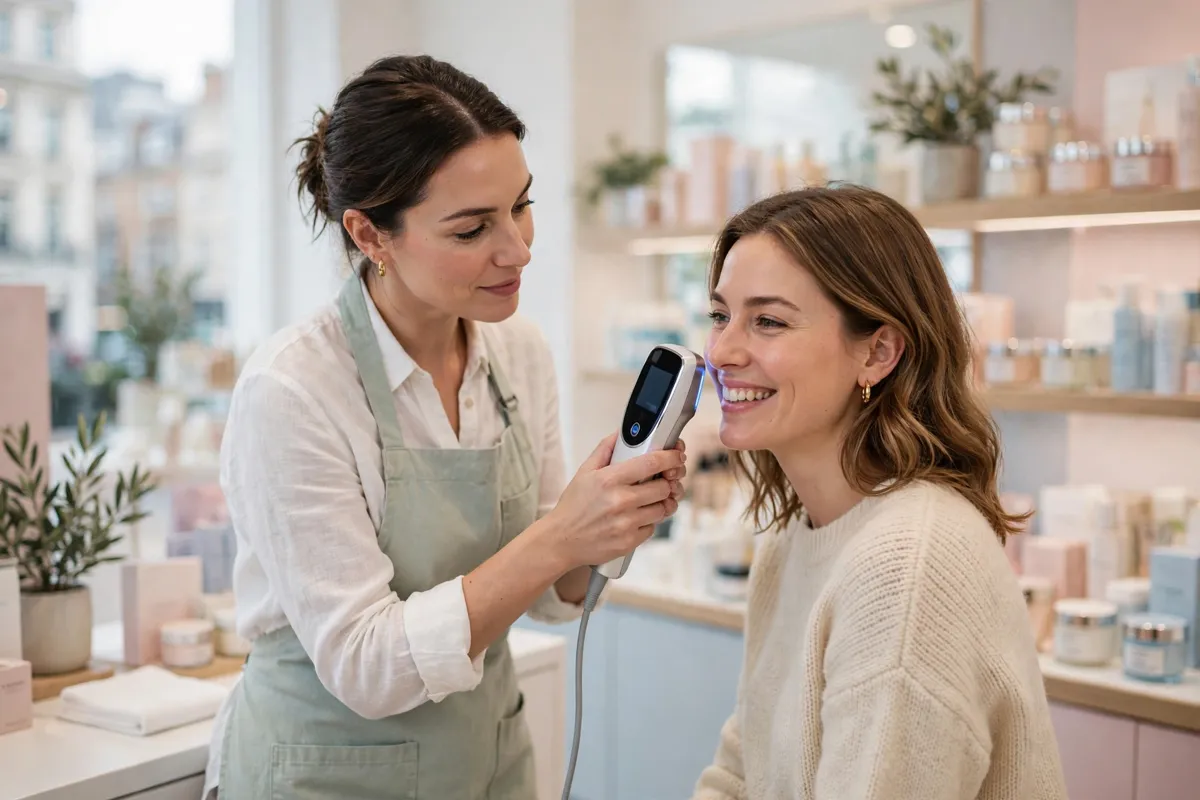
You will usually find AR beauty tools in three places. The first is inside the apps and on the websites of beauty brands and retailers, where a try-on button may sit alongside a product shade list, so you can test the exact shades on sale. Large international beauty groups and well-known retailers have invested in this technology, so it now appears across many mainstream shopping sites rather than only in experimental apps. The second place is social media, where camera filters let you try playful versions of makeup looks and share the result. The third is in store, where some counters and smart mirrors offer a guided version of the same idea, with staff on hand to help you compare shades in person afterwards.
Benefits of Trying Makeup On Virtually
The clearest benefit is confidence. Testing shades on your own face, rather than on a model with different colouring, helps you avoid buying colours that do not suit you, which means fewer wrong shades sitting unused in a drawer and fewer products returned or thrown away. That reduction in waste matters to shoppers who are trying to buy more carefully. Trying looks at home is also simply convenient: you can experiment late in the evening, compare shades side by side, and take screenshots to think about before you buy. It can make experimenting less intimidating, too, because nobody is watching while you test a bold colour you would never swatch in a busy shop. This shift towards trying before buying mirrors what is happening in other markets, as our article on AI-powered used cars and smarter buying in the UK explains.
Limitations You Should Know About
Virtual try-on is a guide, not a guarantee. Screen colour accuracy is the biggest limitation: every phone and laptop displays colour slightly differently, and brightness settings can shift a shade further. Lighting in your room matters as well. A warm bulb can make a foundation look more golden than it will in daylight, while a dim room can flatten colour altogether. Skin-tone matching is improving, but it is not perfect. Some shade ranges and rendering systems still represent deeper or very fair skin tones less accurately, which is why it is sensible to check a shortlisted shade against swatches, reviews from people with similar colouring, and, where possible, a sample. Texture is another gap: a screen cannot show how a foundation sits on dry patches or how a lipstick feels after an hour of wear.
Privacy: Your Face, Your Camera and Your Data
A try-on tool needs your camera, so it is worth pausing before you grant access. Check the privacy information in the app or on the website to see whether images are processed on your device or uploaded, whether any image is stored, and what the information is used for. Reputable providers explain this in plain language. If a tool asks for permissions that seem unrelated to trying on makeup, such as access to your contacts, that is a reason to close it and choose another. You can also remove camera permission afterwards in your phone settings, and avoid saving or sharing try-on photos if you would rather they did not sit in a shared camera roll.
Tips for More Realistic Results
These simple habits make a noticeable difference:
- Use natural light where you can, ideally facing a window during the day, and avoid strong coloured lighting.
- Remove your existing makeup first, or the tool will layer a new shade over the old one.
- Hold the phone at arm’s length, keep your face level and look straight at the camera.
- Try each shade for a few seconds as you move and smile, because a look that works in a still pose may not work in motion.
- Screenshot your favourite two or three shades and compare them later, in different light, before deciding.
- For foundation, shortlist rather than commit: use the tool to narrow the range, then test a sample on your jawline in daylight if you can.
Frequently Asked Questions
Is virtual try-on accurate?
Virtual beauty try on is usually accurate enough to compare shades and rule out colours that clearly do not suit you, but it cannot reproduce exact colour, finish or texture. Treat it as a shortlisting tool, then confirm important purchases with swatches or samples where you can.
Do I need an app to use it?
Not always. Many tools run in a phone or laptop browser, while others sit inside a brand or retailer app or a social media camera. If one version does not work well on your device, another may be smoother.
Can I try a complete look, not just one product?
Often, yes. Many tools let you combine lip colour, blusher, eyeshadow and other products, and then adjust or remove each layer. Building a look this way is a good test of whether colours work together before you buy any of them.
Conclusion
Virtual beauty try-on has moved from novelty to a genuinely useful part of online beauty shopping. It will not replace testing a product on your own skin, and its results depend on light, screens and shade ranges. Used with those limits in mind, however, AR beauty can help you explore more colours, waste less and buy with greater confidence. Start with a lipstick shade you have always wondered about, check it in daylight, and let the technology do the guesswork it is good at, while you make the final decision.